
How to view your purchase history
Who can do this: All users
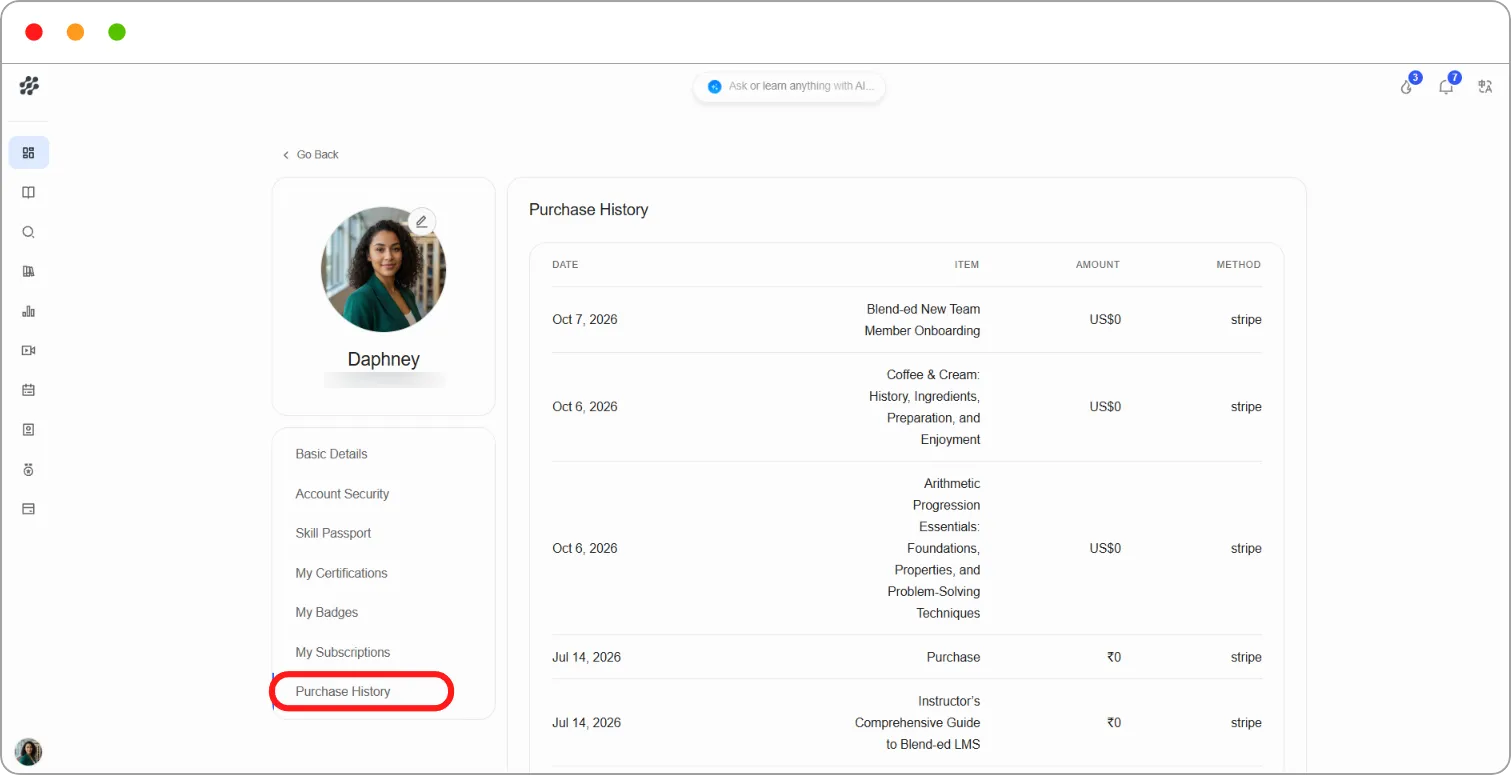
Step 1: Open your profile and click Purchase History.
Each purchase shows:
| Column | What it shows |
|---|---|
| Date | When you made the purchase |
| Item | The course or program you bought |
| Amount | What you paid |
| Method | How you paid, for example stripe |
Tip: Use Purchase History as your record of payments, for example when claiming training costs back from an employer.