
How to view a learner's progress and analytics
Who can do this: Super Admin, Admin, or Staff with the View Analytics permission
See what one learner has enrolled in, completed, and earned, along with their recent activity.
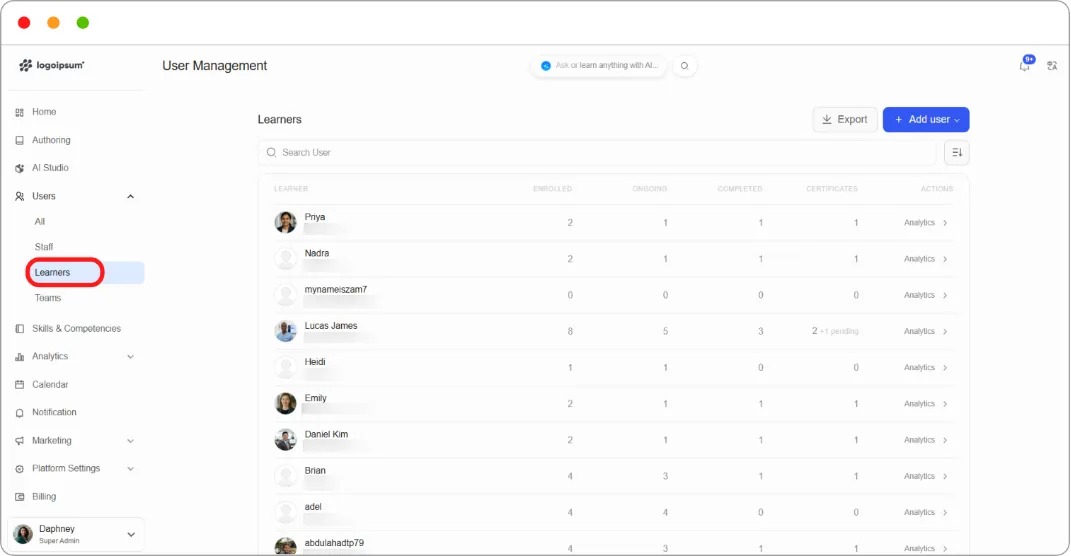
Step 1: Go to Users > Learners.
The table gives you a summary for every learner:
| Column | Shows |
|---|---|
| ENROLLED | Courses they’re enrolled in |
| ONGOING | Courses in progress |
| COMPLETED | Courses finished |
| CERTIFICATES | Certificates earned, with any pending ones noted |
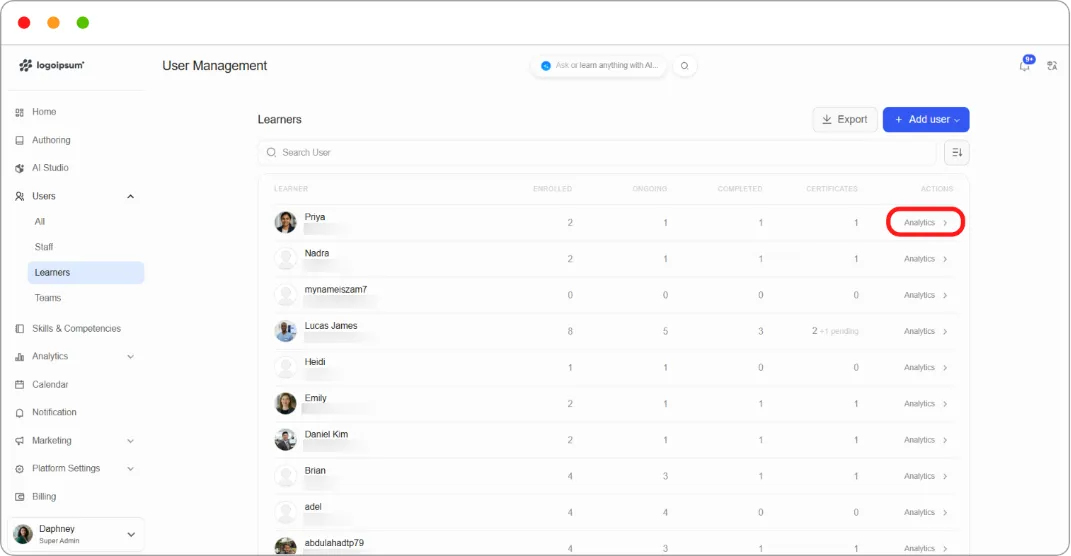
Step 2: Click Analytics at the end of a learner’s row.
Step 3: Their analytics page opens, showing:
-
Courses Done, Ongoing Courses, Total Enrolled Courses, and Certificates Obtained
-
An Activity heatmap covering the last 30 days
-
A course table with enrolment dates and status, and a View progress link per course
-
An Activity log of what they’ve done and when
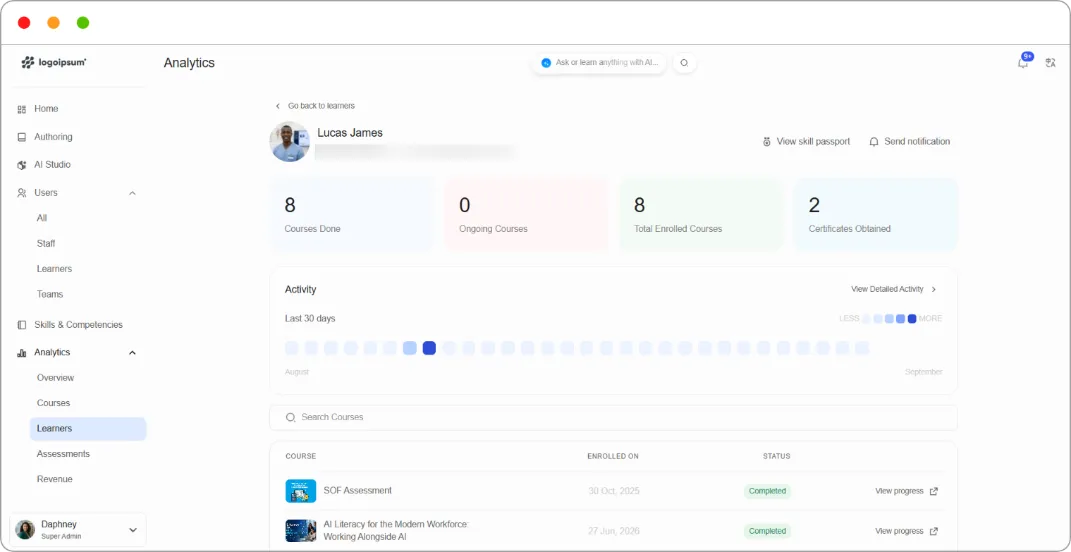
Step 4: Click View Detailed Activity for a fuller history, or View progress on a course to see exactly where they are in it.
Tip: The Activity heatmap tells you more than the completion count. A learner with three completions but an empty heatmap has stopped, whatever the totals say.
Related articles
Section titled “Related articles”-
How to send a notification to a learner from analytics tab