
How to view your schedule
Who can do this: Learners
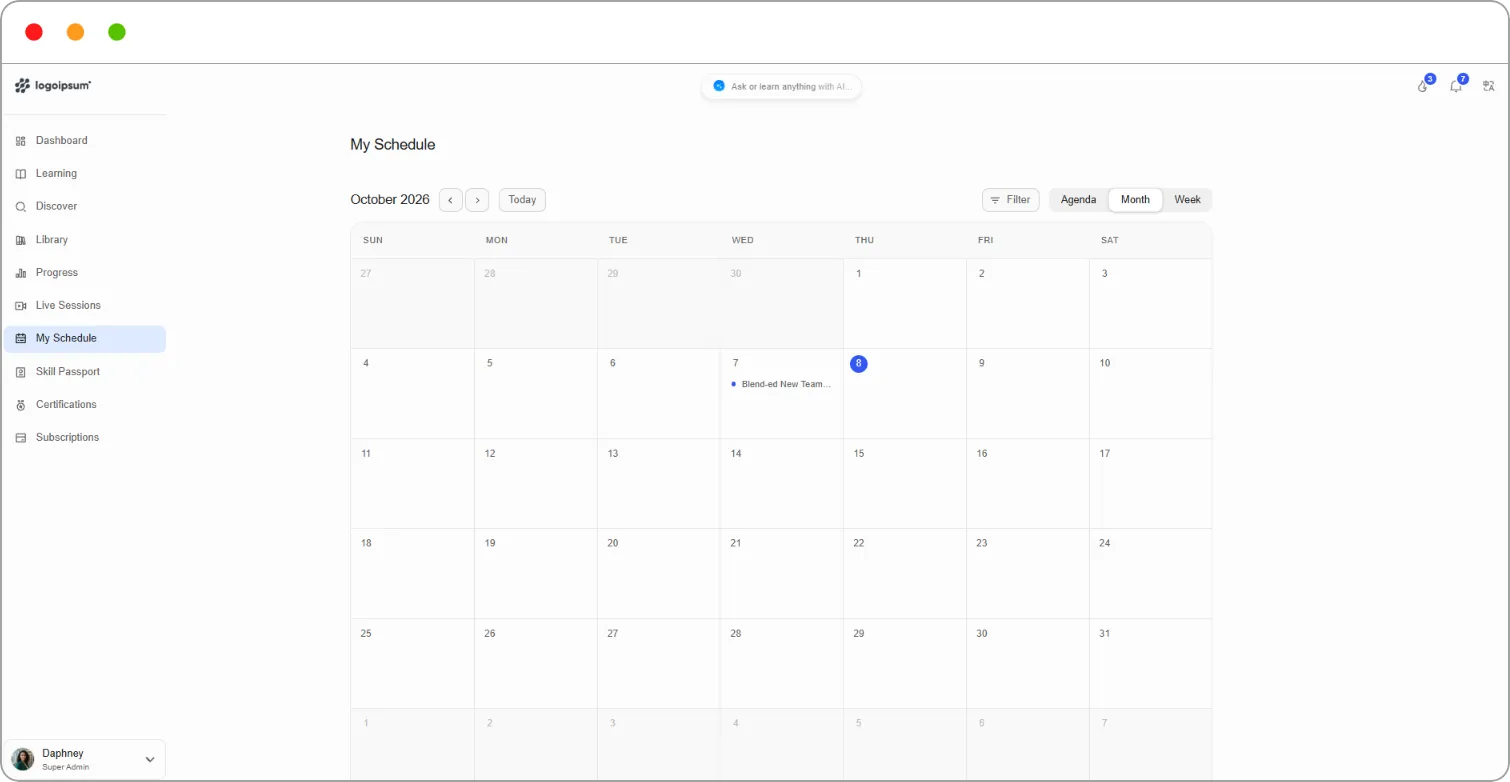
My Schedule shows your upcoming events, such as live sessions, in one calendar.
Steps
Step 1: Go to My Schedule in the left navigation.
Upcoming events lists what’s coming up.
Step 2: Choose a view:
| View | What it shows |
|---|---|
| Agenda | A list of upcoming events in date order |
| Month | A calendar of the whole month |
| Week | A calendar of the current week |
Step 3: To narrow what you see, click Filter.
Tip: Your next event also appears in the Schedule card on your Dashboard. Click the expand icon on the card to open the full schedule.
Related articles