
How to export your user list
Who can do this: Super Admin, Admin, or Staff with the User Management permission
Download your users as a file for reporting, auditing, or working with the data outside Blend-ed.
Step 1: Go to Users > All, or to the Staff or Learners tab if you want just that group.
Step 2: Click Export at the top right.
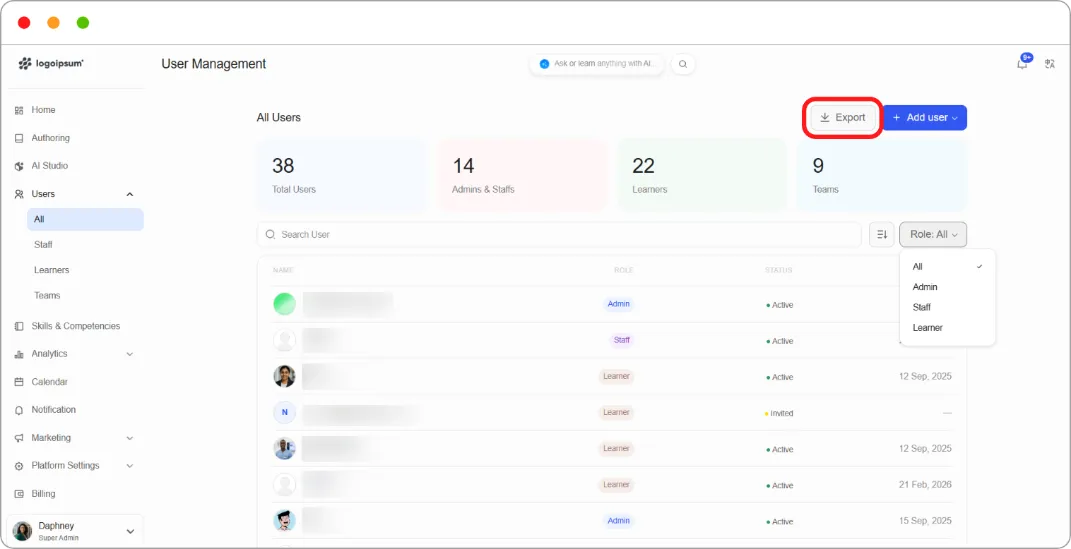
Your file downloads.
Tip: Export from the Learners tab rather than All when you want completion and certificate figures. That tab carries the enrolment columns; the All tab doesn’t.