
How to upload your logo and favicon
Who can do this: Super Admin, Admin, or Staff with the Platform Settings permission
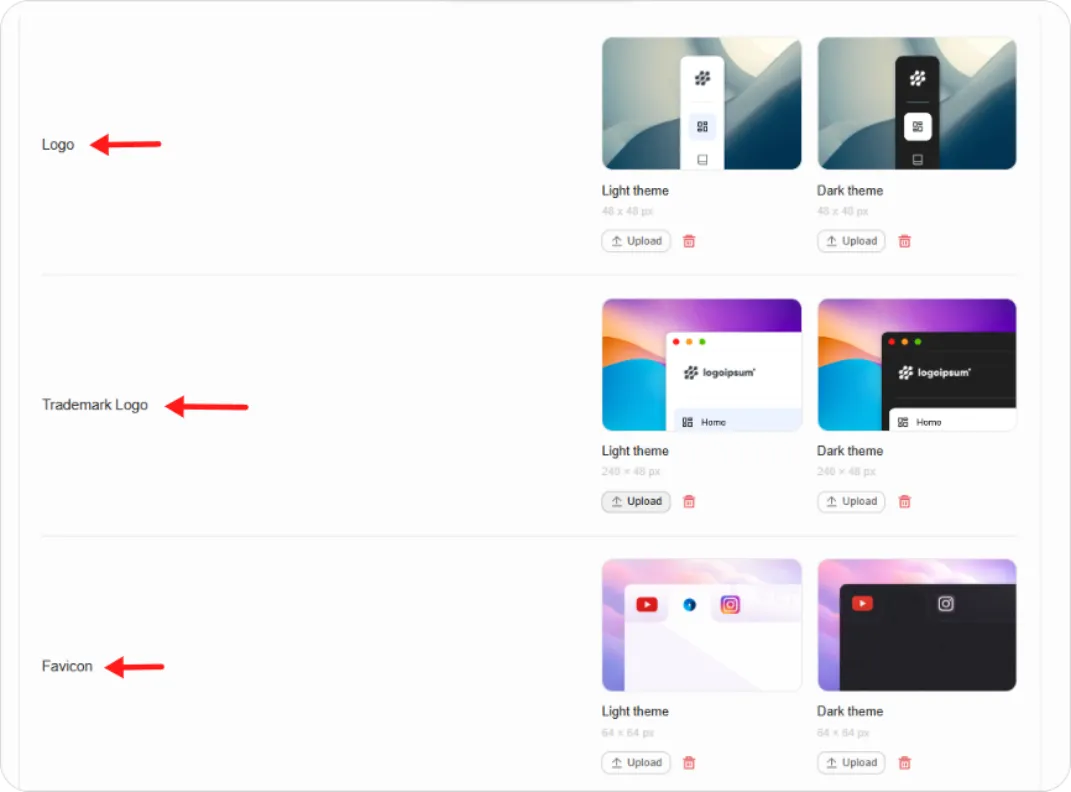
Blend-ed uses three images, each in a light and a dark version.
Step 1: Go to Platform Settings > Customisation and open the Appearance tab.
Step 2: Upload each image at the size shown:
| Image | Size | Where it appears |
|---|---|---|
| Logo | 48 × 48 px | The collapsed sidebar |
| Trademark Logo | 240 × 48 px | The expanded sidebar, as your full wordmark |
| Favicon | 64 × 64 px | The browser tab |
Each has a Light theme and Dark theme slot with a preview showing how it will look.
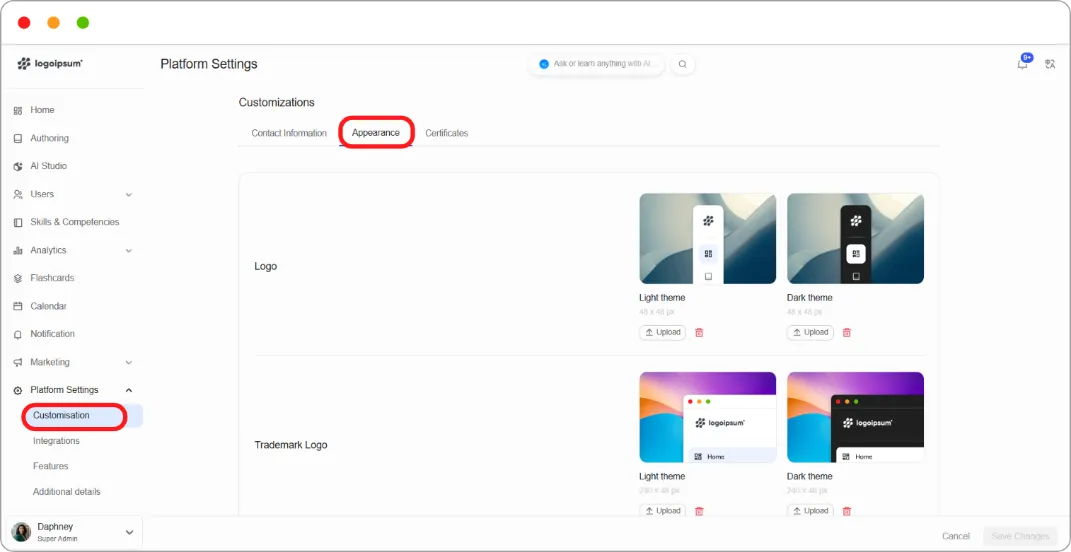
Step 3: Click Upload under a slot to add an image, or the trash icon to remove one.
Step 4: Click Save Changes.
Tip: Upload both themes. Learners choose their own light or dark preference, and a dark logo on a dark sidebar is invisible.
Tip: Use transparent PNGs. A logo on a white rectangle looks wrong against a dark sidebar.